Make Money From Your Facebook Page in Bangladesh
Make money from your Facebook Page in Bangladesh with fan support in taka. Set up a coffee gift link, share it, withdraw to bKash, and know the licence rules.
You’ve built the audience. Now give them a way to support you directly, without first setting up a company or a payment gateway.
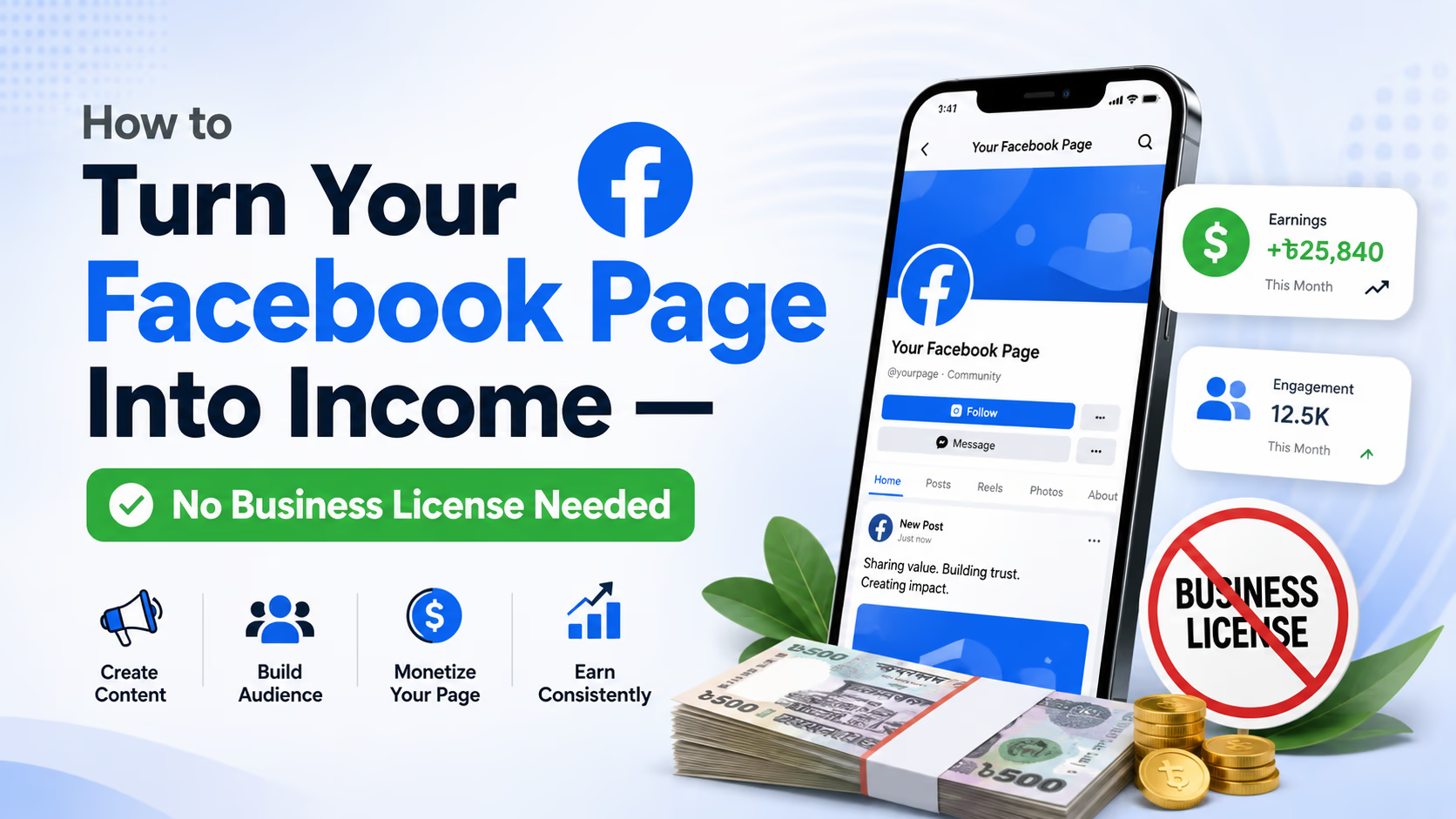
If you run a Facebook Page in Bangladesh, whether it’s a meme page, a comedy page, local news or a community group, you already have something valuable: people who laugh at your posts, share them and trust your voice. The fastest way to make money from your Facebook Page with that audience is to let fans support you in taka, through a link they can tap from your Page. This guide walks through that, and is honest about the licence and tax questions most guides skip.
Why fan support, when Facebook has its own monetisation?
Facebook’s own tools do reach Bangladesh. Meta lists Bangladesh among the countries where content monetisation ads are available,[1] and among the countries where Stars are available.[2] But both come with eligibility criteria your Page has to meet first,[2] and you don’t control when you qualify or what you earn per view. Where earned money gets stuck on its way to you is covered in why creator money gets stuck in Bangladesh.
Fan support works differently. Your fans already show intent: every “vai, how can I support you?” in the comments is someone offering. What’s missing is a way to receive that money that’s easy for both sides. A coffee gift link is that way, and it runs alongside Stars or ads rather than replacing them. If your follower count feels too small, read why followers alone don’t mean income first: a few hundred fans who care can matter more than a big number who scroll past.
What you’ll need
- A Facebook Page with an audience that engages with your posts
- A smartphone or computer
- A free creator account on হবে নাকি Coffee?
- Your Bangladeshi NID, for when you first withdraw
Five steps, one afternoon
- 1
Create your creator profile
Sign up at hobenakicoffee.com. The platform doesn't ask you for a trade licence.
- 2
Set up your coffee gift link
Set up coffee gifts on your profile. That link is what fans tap to support you.
- 3
Add the link to your Page
The About section, a pinned post, anywhere a fan's eyes land.
- 4
Introduce it naturally
One casual post explaining why, then a light mention every so often. No hard sell.
- 5
Withdraw your earnings
Once your balance reaches ৳500, withdraw to bKash, Nagad, Rocket or a bank account in Bangladesh.
Step 1: Create your creator profile
Go to hobenakicoffee.com and sign up. Use the same name as your Facebook Page so fans recognise you straight away. Your profile is a simple page where fans can send you coffee gifts, which is one-off support in taka.
Signing up is free, and there’s no monthly fee to use the core services. A platform fee applies to what you earn; see pricing for the current rate.
Step 2: Set up your coffee gift link
Once your profile is live, set up coffee gifts. Your profile link becomes your direct support link. Fans pay in taka with bKash, Nagad, Rocket or a card, and they don’t need an account to send a gift. That matters on Facebook, where a fan who has to sign up for something first often doesn’t bother.
Step 3: Add your link to your Facebook Page
This is the step that decides whether anyone uses it. Put the link where fans already look:
- The About section. Add your link to your Page’s details.
- A pinned post. Write “Support the page with a coffee: [link]” and pin it to the top.
Step 4: Introduce it naturally to your audience
This is where most Page owners get nervous: won’t it look like begging? Not if you frame it right. Here’s an example of the kind of post that works, to rewrite in your own words:
“Been running this page for 2 years for the love of it. A few of you asked how you could support, so I set up a coffee gift link. No pressure ever. This page stays free.”
Then mention it again lightly every so often, not in every post. Casual and grateful, not transactional. The fans who want to support you will find it.
Step 5: Withdraw your earnings
When a fan sends you a coffee gift, the amount goes to your balance. Once it reaches ৳500, you can withdraw to bKash, Nagad, Rocket or a Bangladeshi bank account. We send bKash, Nagad and Rocket withdrawals within 24 business-day hours; bank transfers take 2–3 more business days. Your earnings don’t expire.
Before your first withdrawal you’ll verify your identity with your Bangladeshi NID (front, back and a selfie). Verified creators also get a blue badge on their profile, which helps fans trust the link.
Do you need a trade licence or to pay tax?
Here’s the honest answer: the platform doesn’t ask you for a trade licence, but we can’t tell you that the law never will.
A trade licence in Bangladesh is issued by the City Corporation or City Council of the area where you do business,[3] and the government’s SME Foundation describes the City Corporation as the licensing authority within its area.[4] Those pages talk about people running a business or trade. Neither says anything about online income or fans sending tips, so whether a Page earning regular support counts as a “business” isn’t spelled out in anything official we found.
Tax is a separate question from the licence, and it’s about your income. In the FY2026–27 budget speech, the government proposed that income from freelance work and content creation be fully exempt from income tax and VAT.[5] Parliament passed the Finance Bill on 29 June 2026 with a tax-free threshold of Tk 400,000 for FY2026–27,[6] but we haven’t confirmed how the content-creator proposal ended up in the final law, or whether fan support counts as content-creation income. If you do file a return, NBR has made online filing mandatory for all individual taxpayers.[7]
So: start without setting up a company, and as your income grows, check with your City Corporation and a tax professional. The tax and reporting page explains what the platform handles and what stays your responsibility.
What’s next
Once gifts start coming in, keep doing what you do. Pages earn because fans appreciate the content, not because they’re marketed hard. A few things help over time: post an occasional behind-the-scenes reel that mentions how support keeps the page going; and, with permission, thank a supporter publicly now and then. Don’t change what you post because gifts started arriving. Fans support the page for what it already is.
When someone does send a gift, what to say when fans tip you helps you reply well. You can also put the same link in your YouTube descriptions or TikTok bio, wherever your audience already spends time. And if you also sell products and are weighing up your own website, read the 50 ecommerce website problems before you hire anyone.
FAQ
Do I need a trade licence to receive tips from my Facebook Page?
The platform doesn't ask for one; you verify with your NID before withdrawing. Official trade licence guidance covers businesses and doesn't mention online tips, so as your income grows, check with your City Corporation or a tax professional.
Does Facebook monetisation work in Bangladesh?
Yes, for Pages that qualify. Meta lists Bangladesh for content monetisation ads and for Stars, but both have eligibility criteria. A coffee gift link works alongside them and has no programme to qualify for first.
What payment methods can fans use?
Fans pay in taka with bKash, Nagad, Rocket or a card. They don't need an account to send a coffee gift.
How do I get the money out?
Once your balance reaches ৳500, withdraw to bKash, Nagad, Rocket or a Bangladeshi bank account. We send bKash, Nagad and Rocket withdrawals within 24 business-day hours. Your first withdrawal needs NID verification.
Can I use this alongside Facebook Stars or ads?
Yes. A coffee gift link is one more way for fans to support you, not a replacement for Facebook's own programmes.
If you run a niche page, whether it’s travel, food or tech, name exactly what support pays for: a better camera, faster internet, more time to research. Vague thanks is fine once. Specific thanks is what makes a fan want to send another.
Sources
- Meta Business Help Centre — Facebook content monetisation: Country and language availability. Accessed 4 October 2026
- Meta Business Help Centre — About Facebook Stars. Accessed 4 October 2026
- Bangladesh Trade Portal — Obtain a Trade License. Accessed 4 October 2026
- WEHelp (SME Foundation) — সিটি কর্পোরেশন থেকে ট্রেড লাইসেন্স প্রাপ্তির ধাপ সমূহ. Accessed 4 October 2026
- Prothom Alo English — Budget 2026–27: Tax exemptions for freelancers. Accessed 4 October 2026
- BSS News — JS passes Finance Bill 2026 with some significant changes. Accessed 4 October 2026
- The Business Standard — NBR opens online income tax return filing for FY27, offers 5% early rebate. Accessed 4 October 2026
Want more of our posts in your Google results? Add us as a preferred source on Google
Was this page helpful?
Choose an emoji. No sign-in needed.