Our logo, on your website, blog and stream
Put it where people already find you, so they can see there's a way to support you, and where. Free to use, no sign-up.
Every logo, drawing and sticker, plus the usage rules, in one ZIP file
No drawings or stickers, only the Logo and the Logo mark, in one ZIP file
Why put it up?
A plain link is easy to scroll past. The Logo beside it tells people there's a way to support you.
Shows where to support you
One tap to your page
Free for everyone

Where to put it, and which file to use
Find your place, then take the file under it
GitHub README
Paste this under your project's name, with your username in place of yourname.
<a href="https://hobenakicoffee.com/@yourname"><img src="https://hobenakicoffee.com/brand-kit/logo-on-crimson-1090.png" alt="Support me on হবে নাকি Coffee?" width="220"></a>Video or stream
Put the white Logo on your end screen, or a GIF sticker in a corner of the stream.
Logo and Logo mark
SVG stays sharp at any size. PNG goes straight into a post or video.
 The C in Coffee is the Logo mark. Use it alone when there's no room for the name.
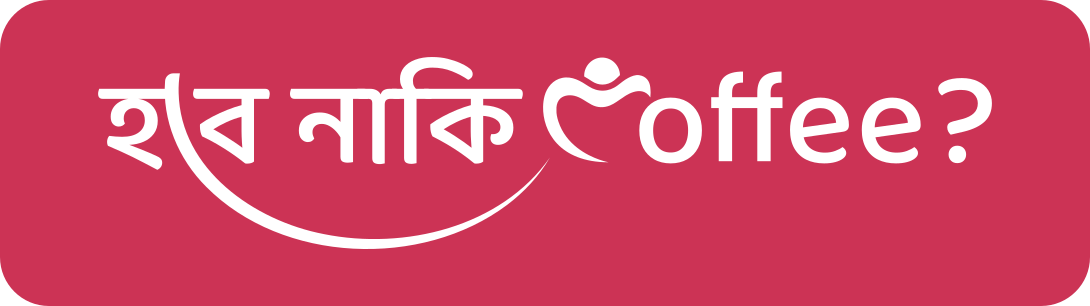
- Logo in crimson
- White Logo, clear background

It's white with a clear background, so it looks blank on a white screen. Put it on a dark photo or video.
- Logo mark
Logo on colour
Each background comes with the Logo in the colour that's easiest to read on it
- Logo on crimson

- Logo on plum

- Logo on amber

- Logo on rose
- Logo on black

- Logo on white
- Logo on honey

- Logo on lavender
- Logo on teal

- Logo on cobalt

GIF stickers for your stream and posts
For your stream, bio, posts, stories and chats. Each one comes as a GIF and a WebP, with a clear background.
- Logo badge
- Link below
- Thank-you hearts

- Doel points the way

- Doel says hi

- Doel with a mug

- Nusrat says hi

- Rahim's cheers

- Mihi's thumbs up



























Want a coffee button on your own website?
The website widget floats in a corner of your site. When someone taps it, your page opens and they send the coffee there. You pick its style and which corner it sits in.
It's in your Share kit, along with the website button, once you join.
Colours
Paste these codes into your design tool
- Main red
#CC3355 - Deep plum
#6D1240 - Warm amber
#FCB442 - Ink black
#0A0A0A - Paper white
#FFFFFF
How to use them
Keep the Logo as it is, so people know it at a glance
Do
- Use the logo in crimson, or the white logo on a dark background.
- To put the logo on a colour, pick one of the coloured versions in the kit.
- Leave empty space around the logo so it doesn't run into anything else.
- Use them only to bring people to your own হবে নাকি Coffee? page.
Don't
- Don't redraw the logo, or stretch or squash it.
- Don't recolour the logo or add shadows or other effects.
- Don't make it look like we back you or work with you as a partner.
- Don't use them in paid ads that pass you off as us.
Need all of it?
Every logo, drawing and sticker, with the usage rules, in one ZIP file
Download everythingWriting about us? You're welcome to use anything here.